Digital whiteboard Android or Windows (Microsoft)
On the Digital-Whiteboards website, purchasing an interactive display often raises a very practical question: should you opt for an Android or a Windows (Microsoft) digital whiteboard? Behind this choice lies a very different user experience, which affects trainers delivering training sessions just as much as it does students in the classroom or colleagues in meetings. Digital-Whiteboards.co.uk offers solutions tailored to both environments, allowing you to focus on real-world applications rather than purely technical considerations.
Today, Android or Windows (Microsoft) digital whiteboards are an integral part of everyday practice: sharing a document in seconds, annotating freehand, launching an app or collaborating remotely. The operating system becomes a true work companion, with its own habits, logic and specific features. Understanding these differences helps you make a choice that aligns with your needs.
Android or Windows (Microsoft) digital whiteboards: what are the differences in everyday use?
The first difference between an Android and a Windows (Microsoft) digital whiteboard is apparent from the moment you start using it. Android offers an interface that is often intuitive, similar to that of a tablet. Users can navigate quickly between apps without a lengthy learning curve. This simplicity is appealing in contexts where immediate efficiency is required, such as in training sessions or in the classroom with a student who needs to interact freely.
Windows (Microsoft), on the other hand, is geared more towards office use. It offers a familiar environment for computer users, with direct access to standard software. When facilitating a meeting or working on complex documents, this continuity can be reassuring. Files can be handled with great freedom, without the need for conversion or adaptation.
The smoothness of the writing experience also varies depending on the systems and their optimisation. Android prioritises a fast, often highly responsive touch experience. Windows can offer greater precision in certain uses, particularly with specialised software.
Application management is another point of distinction:
- Android allows apps to be easily installed via a dedicated store
- Windows provides access to a vast catalogue of professional software
- Android updates are generally automatic and unobtrusive
- Windows offers more granular control, which is appreciated in certain IT environments
Digital-Whiteboards.co.uk supports both approaches by taking real-world usage into account. The aim remains to make life easier for users without imposing a single approach.
What criteria should you use to choose based on your needs?
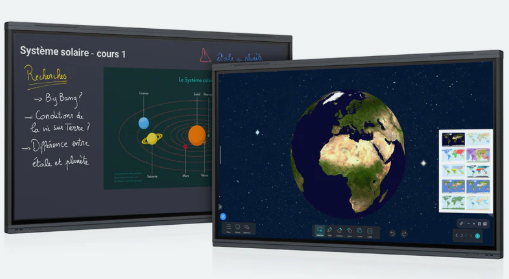
The choice between an Android or Windows (Microsoft) digital whiteboard depends above all on the context of use. In education, ease of access and speed of execution are often prioritised. A teacher or student needs a responsive and fluid tool. Android meets this need well thanks to its quick learning curve and intuitive interface.
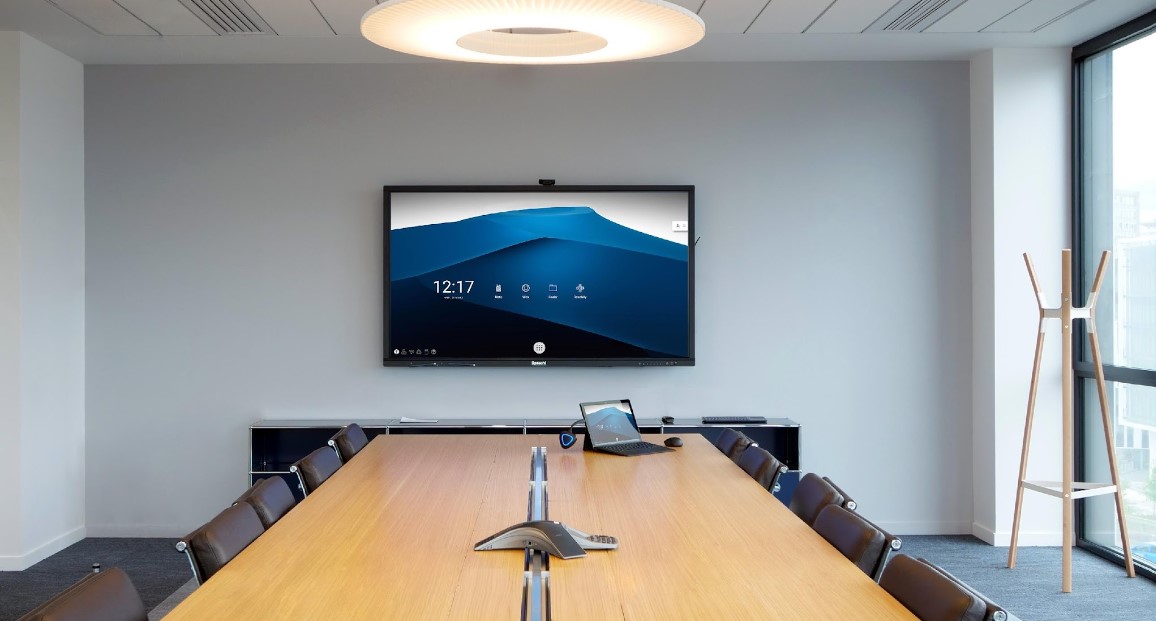
In business, established habits play an important role. Teams are already working with specific tools, often linked to the Windows (Microsoft) environment. Integration then becomes a key factor. A well-integrated whiteboard avoids unnecessary adjustments in the long term.
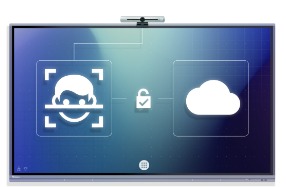
Data security also comes into play. Windows offers advanced management and control options, which may reassure certain organisations. Android focuses on a more open approach with simplified mechanisms.
Usability remains key. A smooth interface, quick access to features and a comfortable writing experience make all the difference in day-to-day use. A simple rule applies: if the user can forget about the technology and focus on their content, the choice is the right one.
Features and everyday uses
An Android or Windows (Microsoft) digital whiteboard must, above all, offer useful, practical and accessible features. Smooth writing remains at the heart of the experience. Annotating a document, drawing a diagram or correcting an exercise should feel natural, without any annoying lag.
Importing documents allows you to work directly on existing materials. A presentation, a PDF or an image can be enhanced in real time. Screen capture and session recording provide useful continuity, particularly in training where content needs to be retained.
In an educational setting, these tools encourage engagement. A student participates more readily when they can interact directly with the content. In a business context, meetings become more dynamic, with visual and collaborative exchanges.
Digital-Whiteboards.co.uk highlights this versatility by offering solutions that adapt to different environments. The objective remains the same: to simplify interactions and make exchanges more lively.
Integration and support with Digital-Whiteboards.co.uk
Integrating an Android or Windows (Microsoft) digital whiteboard is not limited to simply installing it. It must fit naturally into an existing environment, whether in a school or a business. Digital-Whiteboards.co.uk supports this process by taking into account the tools already in place and users’ habits.
Staff training plays a key role. A high-performance tool remains underused without the right support. Digital-Whiteboards.co.uk offers solutions to help users get to grips with their equipment quickly, whether for a trainer or a group of students.
Compatibility with existing software is also taken into account. A whiteboard must be able to communicate seamlessly with other tools. This prevents wasted time and facilitates adoption.
Technical support and maintenance ensure continuity of use. Digital-Whiteboards.co.uk steps in to ensure that the equipment remains operational and adapted to needs that evolve over time. This support brings a sense of peace of mind to the deployment.
Choosing between Android and Windows (Microsoft) is not simply a matter of looking at a spec sheet. With Digital-Whiteboards, this choice is part of a broader approach, centred on usage, users and support.